

Introduction
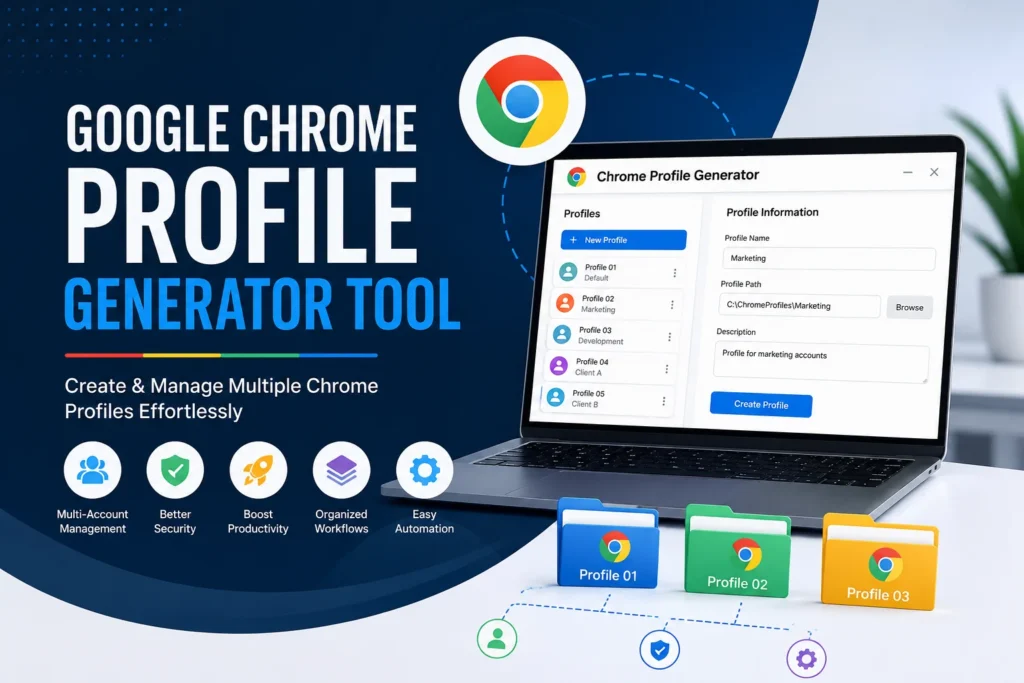
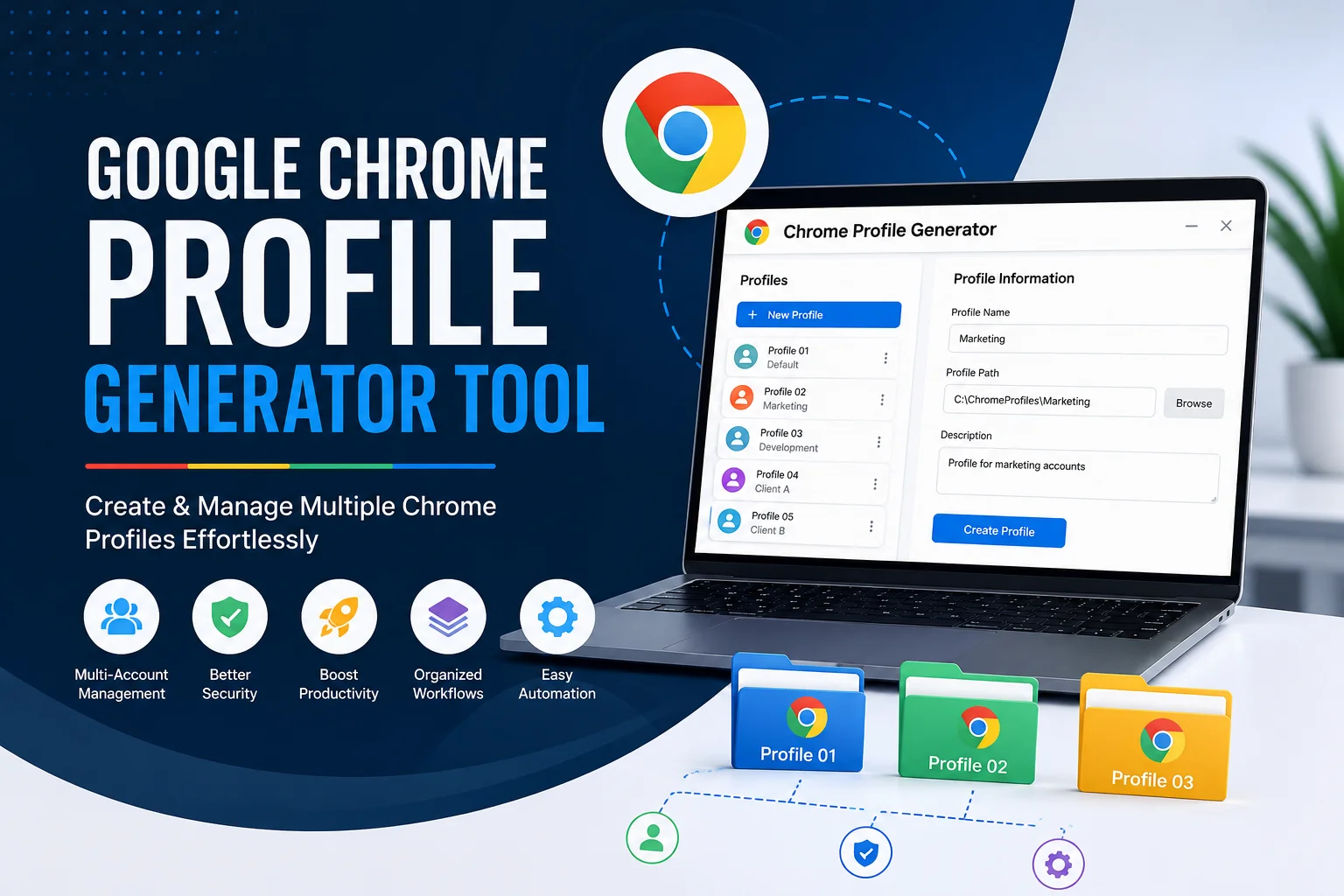
Managing multiple Google accounts, client projects, and testing environments can quickly become difficult when using a single browser profile. A Google Chrome Profile Generator Tool helps developers, digital marketers, SEO professionals, and agencies create and manage multiple Chrome profiles efficiently.
In this guide, we’ll explain what Chrome Profile Generator tools are, how they work, their benefits, and how businesses can use them to improve productivity and workflow management.
What is a Google Chrome Profile Generator Tool?
A Chrome Profile Generator Tool is a utility that creates multiple Google Chrome user profiles automatically. Each profile operates independently with its own:
- Cookies
- Browser history
- Extensions
- Bookmarks
- Saved passwords
- Login sessions
This allows users to manage multiple accounts without constantly logging in and out.
Why Use Multiple Chrome Profiles?
Using separate Chrome profiles provides several advantages:
Better Account Management
Keep personal, business, and client accounts completely separate.
Improved Productivity
Switch between projects instantly without mixing browser data.
Enhanced Security
Different profiles reduce the risk of accidentally accessing sensitive information from the wrong account.
Easier Testing
Developers can test websites under different user environments without affecting their primary browser setup.
Who Can Benefit from Chrome Profile Generators?
Web Developers
Developers often need isolated environments for testing websites and web applications.
Digital Marketing Agencies
Manage multiple client accounts for:
- Google Ads
- Google Analytics
- Google Search Console
- Gmail
- YouTube
SEO Professionals
Separate profiles help organize SEO projects and maintain cleaner workflows.
Social Media Managers
Easily handle multiple brand accounts without session conflicts.
Key Features of a Chrome Profile Generator Tool
When choosing a Chrome Profile Generator, look for:
- Bulk profile creation
- Custom profile naming
- Automated folder management
- Profile backup options
- Easy profile launching
- User-friendly interface
Chrome Profile Generator vs Manual Profile Creation
| Feature | Manual Creation | Profile Generator |
|---|---|---|
| Time Required | High | Low |
| Bulk Creation | No | Yes |
| Scalability | Limited | Excellent |
| Workflow Efficiency | Moderate | High |
Best Practices for Managing Multiple Chrome Profiles
Use Clear Naming Conventions
Examples:
- Client-A-SEO
- Client-B-Ads
- Development-Testing
- Personal
Keep Extensions Organized
Install only necessary extensions for each profile.
Backup Important Profiles
Regular backups help prevent data loss.
Avoid Sharing Profiles
Maintain separate profiles for different users and departments.
Security Considerations
While Chrome profiles are useful, users should:
- Enable two-factor authentication.
- Use strong passwords.
- Keep Chrome updated.
- Avoid storing sensitive information unnecessarily.
Links to Download
You can also get chrome profile generator using mediafıre here is the link :
Download using google drive
Alternatives to Chrome Profile Generators
Developers and testers may also consider:
- Selenium
- Puppeteer
- Playwright
These tools provide advanced browser automation capabilities for testing and workflow automation.
Frequently Asked Questions
Is using multiple Chrome profiles safe?
Yes. Chrome profiles are designed to isolate browsing data and user sessions.
Can I run multiple Chrome profiles simultaneously?
Yes. Multiple profiles can run at the same time without interfering with each other.
Do Chrome profiles share passwords?
No. Each profile maintains its own saved passwords and browser data.
Are Chrome Profile Generator tools free?
Some tools are free, while others offer premium features for advanced users.
Conclusion
A Google Chrome Profile Generator Tool can significantly improve productivity for developers, digital marketers, SEO specialists, and agencies managing multiple projects or accounts. By keeping browsing environments separate and organized, businesses can work more efficiently and reduce account management issues.